

Oct 14, 2026
Looking for a cordless drill that suits your work, or noticing that your drill battery runs out faster than usual? The right starting point is not simply choosing the highest voltage or buying a replacement battery. It is understanding the task, the drill specifications, and how the battery is used and charged.
For installation and maintenance, a compact drill can be easier to handle. For more demanding drilling, compare torque, drilling capacities, speed settings, and battery platform. After purchase, the right drill bit, protection from excessive heat, and a compatible charger help maintain performance.
This AP Tools guide explains how to choose a battery-powered drill, offers ten practical care tips, and compares three Makita kits listed by the store. The battery advice applies to lithium-ion batteries. The manuals for your tool, battery, and charger always take priority.
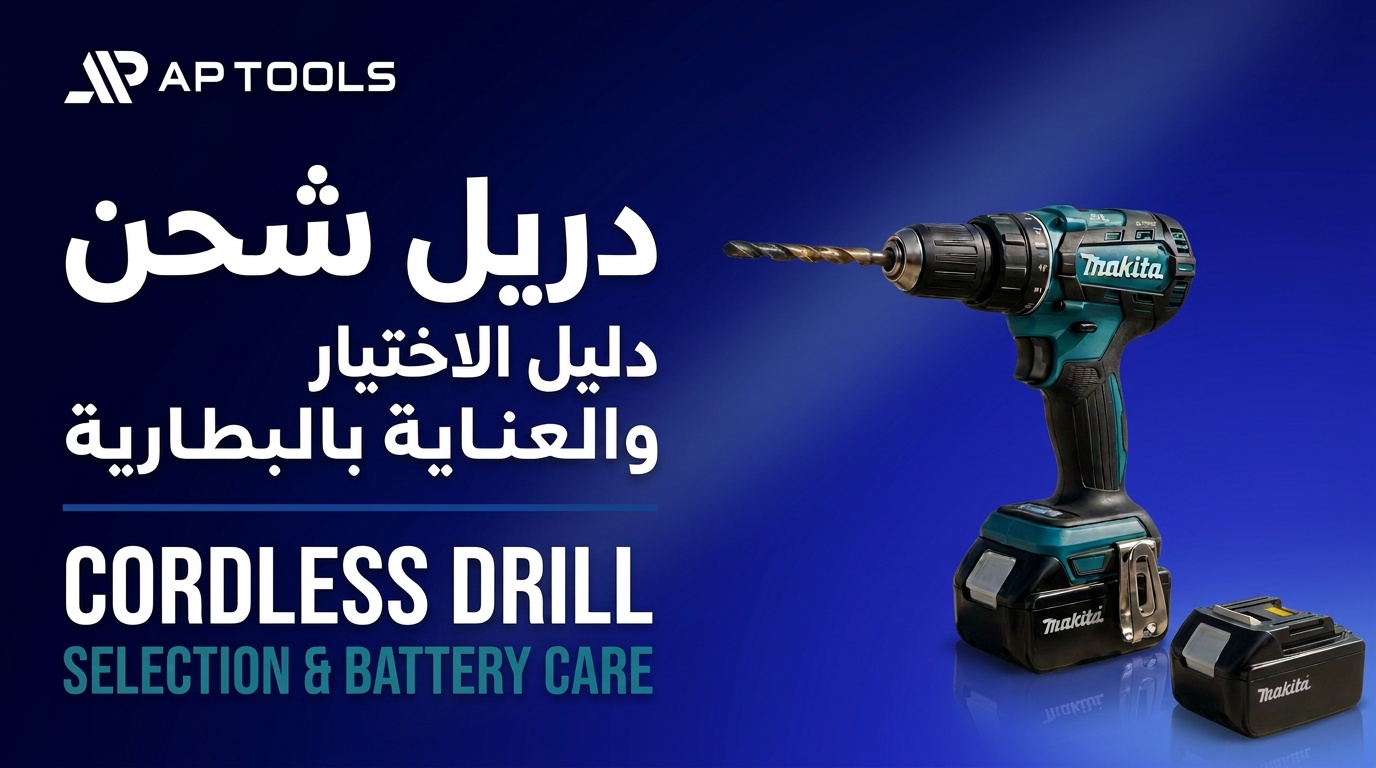
The article images are illustrative designs, not verified photographs of the listed models or their kit contents.
How to Choose the Best Cordless Drill
The best cordless drill is the one that completes your tasks within its technical limits, feels comfortable to use, and has compatible batteries and chargers available. There is no single model that is best for everyone: furniture assembly and daily workshop work have different requirements.
Start with the material and the task
For wood, metal, and screwdriving, compare drilling capacity, torque, and clutch settings. For masonry, check that the drill has a percussion mode and review its stated limits. A hammer setting does not make every cordless drill suitable for heavy concrete; a dedicated rotary hammer may be needed, depending on the material and hole diameter.
Compare 12V and 18V cordless drills
Compact 12V tools are often useful for installation, maintenance, and mobile work. Many 18V models offer options for heavier loads. Voltage alone, however, does not determine power or suitability: two drills with the same voltage can differ in torque, motor design, weight, and drilling capacity.
Check battery capacity and platform
Battery capacity in amp-hours helps indicate available energy when comparing batteries with the same voltage and platform. It does not give a fixed runtime. Working time depends on the material, bit diameter, load, and battery condition, so consider capacity alongside the drill and the task.
Check the battery platform, not just the voltage. Makita 18V G-Series batteries are not interchangeable with 18V LXT batteries. An incompatible battery can interrupt your work even if it looks similar to the battery you already own.
Balance weight and kit contents
- For overhead work or tight spaces, check the size and weight with the battery fitted.
- For frequent use, check whether a compatible spare battery is included and consult the charger manual for charging times.
- Before ordering, review battery quantity, capacity, charger, accessories, and warranty on the specific kit page.
- Do not assume that accessories shown in an illustrative image are included. Use the kit contents list.
When comparing Makita cordless drill prices, compare kits with similar battery quantities, capacities, and charger types—not just the price of the tool body. Prices and availability may change; check the product page before purchasing.
Why Cordless Drill Performance Drops
Reduced performance does not always mean a faulty battery. Start by checking the bit, settings, and ventilation, then compare runtime on a similar task. The following table highlights practical checks.
| What you notice | Possible cause | Recommended action |
|---|---|---|
| Slow drilling with rising temperature | A dull bit or a diameter beyond the tool’s capacity | Replace the bit and check drilling limits |
| Shorter runtime than usual | Heavier load, heat, or reduced battery capacity | Compare under similar conditions and inspect the battery |
| The charger delays charging | Battery temperature or an indicator requiring attention | Check the charger indicators and allow the battery to cool |
| The drill stops during use | Protection against low charge, heat, or overload | Stop retrying and identify the cause using the manual |
| The drill heats up quickly | Excessive pressure or blocked ventilation |
Reduce the load and clean the vents externally |
If you notice an unusual smell, swelling, or battery damage, stop using and charging the battery and contact a qualified service provider. Do not open the battery pack or bypass protection systems to force the drill to run.
10 Tips for Cordless Drill Battery Care
1. Do not deliberately drain the battery completely
Lithium-ion batteries do not need a full discharge before every charge and do not have the memory effect associated with some older battery types. Recharging before the battery is empty is acceptable. Avoiding repeated deep discharge helps reduce cell stress.
If low-charge protection stops the drill, do not repeatedly pull the trigger to drain the remaining charge. Replace or recharge the battery as instructed. Do not rely only on a drop in power to estimate charge; check the indicator when available.
2. Allow a hot battery to cool before charging
Continuous drilling generates heat, and heavy loads can raise battery temperature even indoors. After demanding work, place the battery in a dry, well-ventilated location and follow the charger instructions. No single cooling time suits every battery or environment.
If the charger shows a waiting or temperature signal, check its meaning in the manual rather than trying to override it. Do not use water or ice to cool the battery or expose it to moisture or condensation.
3. Protect your drill from Saudi summer heat
On outdoor jobsites, batteries face both ambient heat and heat generated during use. Keep the drill and spare batteries in the shade between tasks. Reduce the load or stop if temperatures rise or protection activates.
Avoid leaving batteries inside a closed vehicle or a metal box exposed to sunlight. Choose a dry indoor location with moderate temperatures for charging and storage. Follow the temperature range specified for your model rather than applying one generic range to every battery.
4. Use a sharp bit suited to the material
A dull bit increases drilling resistance and can encourage excessive pressure, increasing the load on the motor and battery. Use a bit designed for the material, check its cutting edge and secure fit, and replace worn or damaged bits.
If drilling becomes slower with the same material and settings, inspect the bit before blaming the battery. Do not compensate for an unsuitable bit by pushing harder; stop and check instead.
5. Set speed and torque for the task
Low gear generally provides lower speed and higher torque. Depending on the manual, it may suit larger screws or larger drilling diameters. Higher gear suits drilling tasks that need more speed, within the limits of the bit and material.
Adjust the clutch when driving screws to reduce damage to screw heads and work surfaces. Do not change gears while the motor is running. Lower speed does not always mean lower energy consumption; load and technique are important factors.
6. Keep a compatible spare battery ready
For intensive daily use, a second battery helps organise working time and reduce waiting. Use one while the other cools or charges in a suitable location, without assuming that swapping batteries removes every need for a break.
Confirm the battery model number, platform, and compatibility with both the drill and charger. Two batteries do not guarantee twice the lifespan of each battery, but they may make it easier to distribute use throughout the day.
7. Use an approved, compatible drill charger
A matching connector shape and voltage are not enough to establish compatibility. Use the genuine charger approved for the battery and read both manuals. Unknown-source or incompatible chargers can put the equipment and user at risk.
Place the charger on a stable, dry, well-ventilated surface and inspect cables and connectors before use. Follow its instructions for disconnection after charging. Do not assume that every battery can safely remain on every charger indefinitely.
8. Keep ventilation openings clean
Dust buildup restricts airflow and may increase drill temperature. Remove the battery before cleaning, then use a dry cloth and a soft brush on the exterior and ventilation openings.
Do not use water or solvents, or push dust inside with high-pressure air. If the manual permits compressed air, follow its instructions and protective measures. Internal servicing should be carried out by a specialist.
9. Understand the motor type and tool limits
A brushless motor operates without carbon brushes and may offer greater efficiency and longer runtime under comparable conditions. Results depend on drill design, load, and battery; the word “brushless” is not a guarantee of a particular performance level.
A brushed motor may require brush replacement as they wear. With either type, investigate reduced performance rather than applying excessive pressure. Include motor type in a broader comparison of specifications, budget, and intended work.
10. Store the battery correctly
For extended storage, keep a lithium-ion battery in a dry, moderately cool location away from sunlight and metal objects. General lithium-ion guidance suggests a partial charge of around 40–60%, but the manufacturer’s instructions for your model take priority and may differ.
Do not deliberately drain the battery to reach a specific percentage, or leave it nearly empty for months. Check charge periodically as instructed and protect terminals from screws, keys, and other objects that could cause a short circuit.
Makita Cordless Drill Comparison
The comparison below explains the differences between three kits linked by AP Tools. Specifications alone are not enough to choose a drill. Review drilling limits, kit contents, batteries, and charger before ordering.
Makita HP333DWAX1: A compact option for installation and maintenance
This kit is based on the 12V HP333D, with maximum torque of 30 Nm, a 10 mm chuck, and speed up to 1,700 rpm. The kit page lists 74 accessories and an advertised weight of 1.3 kg. Its compact size suits users seeking a small cordless drill for installation and mobile work, within the tool’s limits.
View the Makita HP333DWAX1 kit
Makita HP488D002: An 18V G-Series drill
The HP488D features a 13 mm chuck, maximum torque of 42 Nm, and speed up to 1,400 rpm. The listed weight is 1.8 kg. Confirm the supplied batteries: this is a G-Series platform, not LXT, even though both may carry an 18V rating.
Makita M8301DWEB: Confirm the kit specification before ordering
The AP Tools listing states 18V, a 13 mm chuck, speed up to 1,400 rpm, and an advertised weight of 1.7 kg. The torque figure differs between the store listing and Makita’s base model specification, so confirm the kit details before choosing on that figure alone.
| Kit model | Voltage | Maximum torque | Chuck | Listed weight |
|---|---|---|---|---|
| HP333DWAX1 | 12V | 30 Nm | 10 mm | 1.3 kg |
| HP488D002 | 18V | 42 Nm | 13 mm | 1.8 kg |
| M8301DWEB | 18V | 38 Nm in store / 42 Nm for base model* | 13 mm | 1.7 kg |
*Torque is stated in newton-metres. AP Tools lists 38 Nm for M8301DWEB, while Makita lists 42 Nm for the base M8301D model. Confirm the exact kit specification with the store before purchase. Weights follow the kit listings and may vary with battery and configuration. Maximum torque is not the same as every clutch setting.
Before buying a Makita cordless drill or an additional battery, send the drill and battery model numbers to the store to confirm compatibility. Do not rely on similar appearance or voltage, and do not assume current availability or price from this article.
Frequently Asked Questions About Cordless Drills
What is the difference between a cordless drill and an electric drill?
A cordless drill runs on a rechargeable battery, allowing movement without a power cable during use. “Electric drill” can refer to a corded model or to electrically powered drills in general. Check the product’s power source and choose according to the task and need for mobility.
Is an 18V drill always more powerful than a 12V drill?
Not for every task. Compare torque, drilling limits, motor, battery, and weight between models. A compact 12V tool may be better for installation, while another task may require a larger model.
Why does my drill battery run out quickly?
Possible causes include heavy loads, a dull bit, heat, or reduced capacity with use. Compare runtime under the same conditions and inspect the drill and battery before replacing parts.
Do I need to discharge a lithium-ion battery before charging?
No. Lithium-ion batteries do not need a full discharge before every charge. Follow the battery instructions and do not repeatedly run the drill after low-charge protection stops it.
Can I use any Makita 18V battery?
No. Equal voltage does not mean compatibility across platforms. Check the compatibility list and battery and charger model numbers. G-Series and LXT batteries are not interchangeable.
How long does a Makita drill battery take to charge?
Charging time depends on the battery model, capacity, charger model, and battery temperature. Check the kit information and manuals rather than relying on one charging time for all models.
Can a cordless drill drill into a wall?
It depends on the wall material, hole diameter, and tool specifications. Check percussion mode and drilling limits. Heavy concrete may require a dedicated rotary hammer rather than a light percussion drill.
How much does a Makita cordless drill cost in Saudi Arabia?
Price varies with model, battery quantity and capacity, charger, and accessories. Check the product links for current prices and compare kit contents before purchasing.
Choose the Right Drill and Care for Its Battery
Choosing the right cordless drill starts with the task, not voltage alone. Compare torque, drilling limits, weight, and battery platform. Then maintain the tool with a suitable bit, correct settings, and clean ventilation. In Saudi Arabia’s hot conditions, avoid closed vehicles and direct sunlight, and follow charging and storage instructions.
Browse Makita kits at AP Tools and confirm kit contents and battery and charger compatibility before purchase. Good care reduces stress, but it does not guarantee a fixed lifespan or double battery life.
Technical References
Makita: Official HP488D specifications
Makita: Official HP333D specifications
Battery University: How to Store Batteries